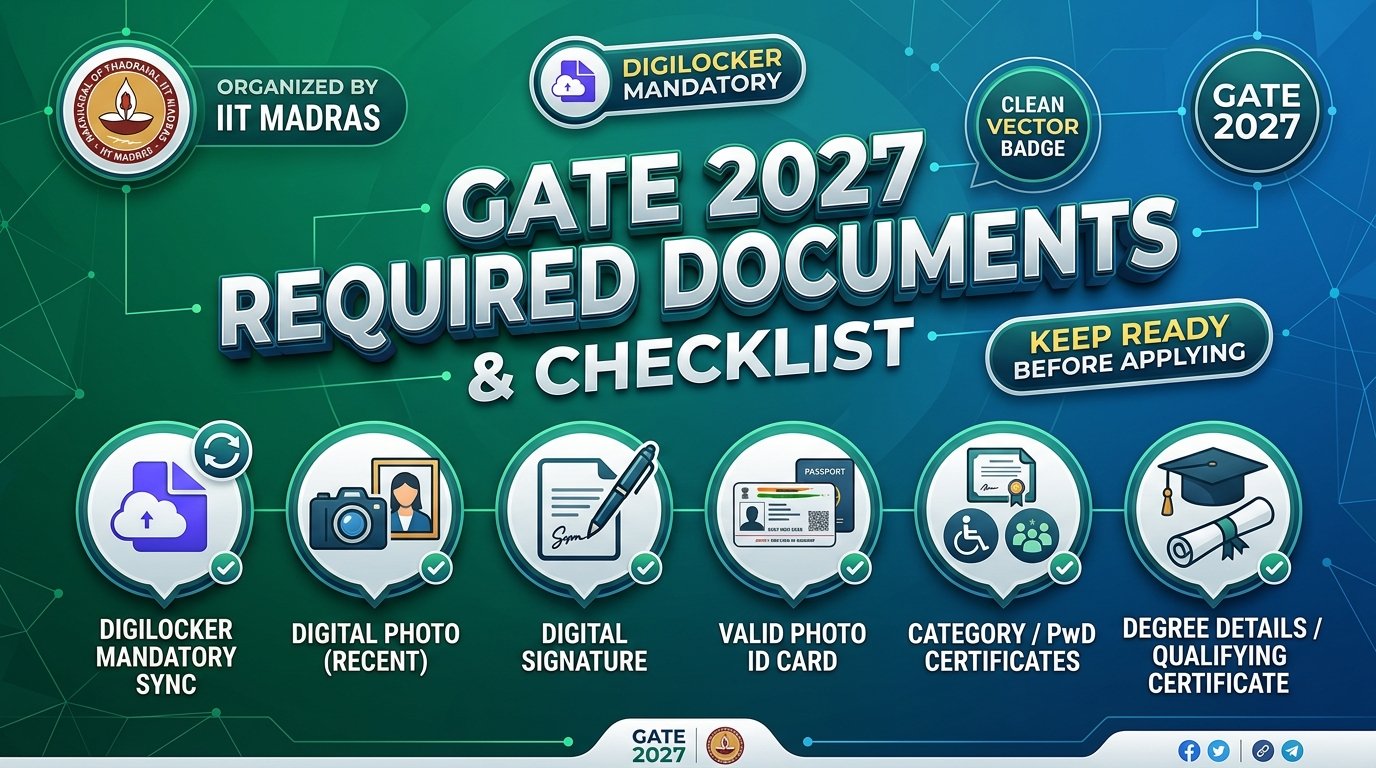
GATE 2027 Required Documents are vital to keep ready before initiating the online registration. According to official guidelines issued by IIT Madras, candidates will require personal information, degree records, digital photograph, signature, a government-approved photo ID, and category/PwD certificates (Official Documents Portal).
1. GATE 2027 Required Documents – Quick Checklist
| Document / Information | Requirement Status |
|---|---|
| DigiLocker Account | Mandatory for Indian Nationals |
| Candidate's Photograph | ✅ Required (Live Photo / Upload) |
| Candidate's Signature | ✅ Required (Clear Black/Blue Ink) |
| Valid Photo Identity Document | ✅ Required (Original for Exam) |
| SC/ST Category Certificate | Required if claiming category fee benefit (PDF) |
| UDID / PwD Certificate | Required if claiming PwD status (UDID preferred, PDF) |
| Dyslexic Certificate | Required if applicable (PDF) |
| Scribe / Compensatory Time Annexure | Required if requesting scribe (Appendix-B) |
| Qualifying Degree Details | ✅ Required |
| Institute / College Details & PIN | ✅ Required |
| Personal Details & Parent/Guardian Info | ✅ Required |
| Complete Communication Address & PIN | ✅ Required |
| GATE Test Paper Choice(s) | 1 or up to 2 papers (from permitted combinations) |
| Examination City Choices | Six city choices from the same zone |
| Online Fee Payment Method | Net Banking, Debit/Credit Card, UPI, Wallet |
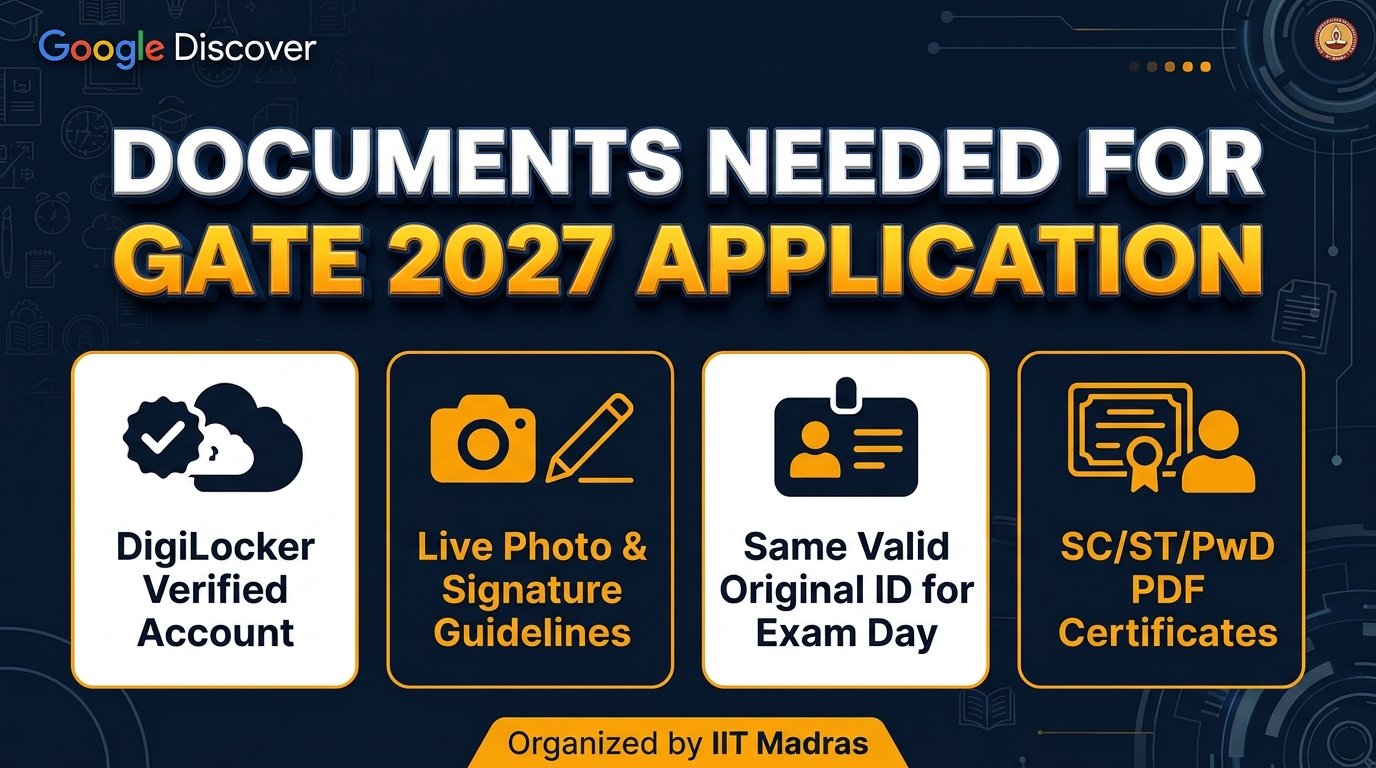
2. DigiLocker Account (Mandatory for Indian Nationals)
For GATE 2027, registration through DigiLocker is compulsory for all Indian applicants. The application portal will fetch authenticated identity records directly to eliminate fraudulent entries and speed up verification:
Data Fetched from DigiLocker:
- Full Legal Name
- Date of Birth
- Mobile Number & Email ID
- Profile Photograph
- Permanent / Current Address
- Verified Government Photo ID Number
What You Must Do Now:
Ensure your Aadhaar is linked to your active mobile number to receive OTPs smoothly. Create and verify your DigiLocker profile prior to opening the GATE 2027 application form.
Open Official DigiLocker Portal3. Personal Details & Exact Name Matching Rules
Candidates must ensure all personal entries match their government photo identification:
Strict Name Entry Rules:
The candidate's name entered in the application must match character-by-character with the name printed on the photo ID presented on exam day.
❌ DO NOT add any prefix or honorific title:
Mr.ShriDr.Mrs.Smt.Prof.Capt.Maj.Lt.Col.The official GATE 2027 Scorecard will strictly display the name as registered.
4. Degree & Institute / College Information
Keep your official marksheets and college records at hand to fill in:
- Qualifying Degree: B.E./B.Tech, B.Sc, B.Arch, B.A, B.Com, MCA, M.Sc, etc.
- Status: Currently in 3rd year / final year OR Completed degree.
- College/Institute Details: Full Name of College/University, Complete Address, and correct 6-digit PIN Code.
5. Photograph (Live Webcam / Phone Photo) Specifications
GATE 2027 allows live photograph capture directly during registration. Candidates should observe the following parameters (Official Photo Specs):
| Feature | Official Specification |
|---|---|
| Capture Mode | Live webcam on PC/Laptop OR Smartphone with minimum 5 MP camera |
| Background | Uniform white or very light background |
| Lighting & Face | Frontal view, both ears visible, neutral expression, no shadows |
| Accessories | No sunglasses, tinted glasses, caps, or hats (Standard spectacles permitted if eyes clearly visible) |
6. Signature Specifications & Dimensions
Candidates must upload a high-clarity digital scan of their signature:
- Sign clearly on a plain white paper using a dark blue or black ink pen.
- Crop only the signature area; do not upload full A4 pages or blurred captures.
- Ensure the signature is in JPEG/JPG format within the official file size limits.
7. Valid Photo Identity Document (Original Mandatory)
Upload a scanned copy of any ONE of the following approved government photo IDs:
8. SC/ST Category, UDID/PwD & Dyslexic Certificates
SC/ST Certificate
Required only for claiming fee concession and reservation benefits. Must be uploaded in PDF format issued by competent authority.
UDID / PwD Certificate
Unique Disability ID (UDID) is preferred. Alternatively, upload valid PwD medical certificate in PDF format.
Dyslexic Certificate
Applicable candidates must upload the prescribed Dyslexic certificate in PDF format from recognized medical authorities.
9. Scribe & Compensatory Time Annexure (Appendix-B)
Eligible PwD/dyslexic candidates requesting compensatory time (20 minutes per hour) and/or scribe assistance must fill and upload Appendix-B (Download Official Appendix-B PDF).
10. Paper Choices & Six Exam City Selections
- Paper Selection: Choose 1 or 2 papers adhering to Permitted Combinations.
- 6 Examination Cities: Candidates must provide six city choices, all from the same administrative IIT zone.
11. Online Fee Payment Options
Payment can be completed seamlessly using any online method:
12. Most Important Application Mistakes to Avoid
1. Name Mismatch with Photo ID
Never enter spelling variations or nicknames. Ensure exact match with official photo ID.
2. Using Salutations / Titles
Avoid adding Mr., Shri, Dr., Prof., Mrs. in the name fields.
3. Uploading Blurred Files
Unreadable certificates or photos lead to application rejection.
4. Forgetting Original ID on Exam Day
The identical original ID used during registration is mandatory at the exam center.
13. Frequently Asked Questions (FAQs)
14. Official GATE 2027 Links
| Official Purpose | Direct Official URL |
|---|---|
| Official Required Documents | Documents Checklist |
| GATE 2027 Official Website | gate2027.iitm.ac.in |
| Photo & Signature Guidelines | Photo & Sign Specs |
| Official DigiLocker Portal | digilocker.gov.in |
| Official FAQs | Official FAQs |